a free tool · by students · for students
Make your school's schedule site not suck.
Pick colors. Set the bells. Hit deploy. You get a real live URL you can text to your friends — in about five minutes. No principal approval required.
the live one at WPS

- 0min to live
- 47,832lines of code
- 0%yours
- $299forever
exhibit a · live at windermere prep
A real one, already running.
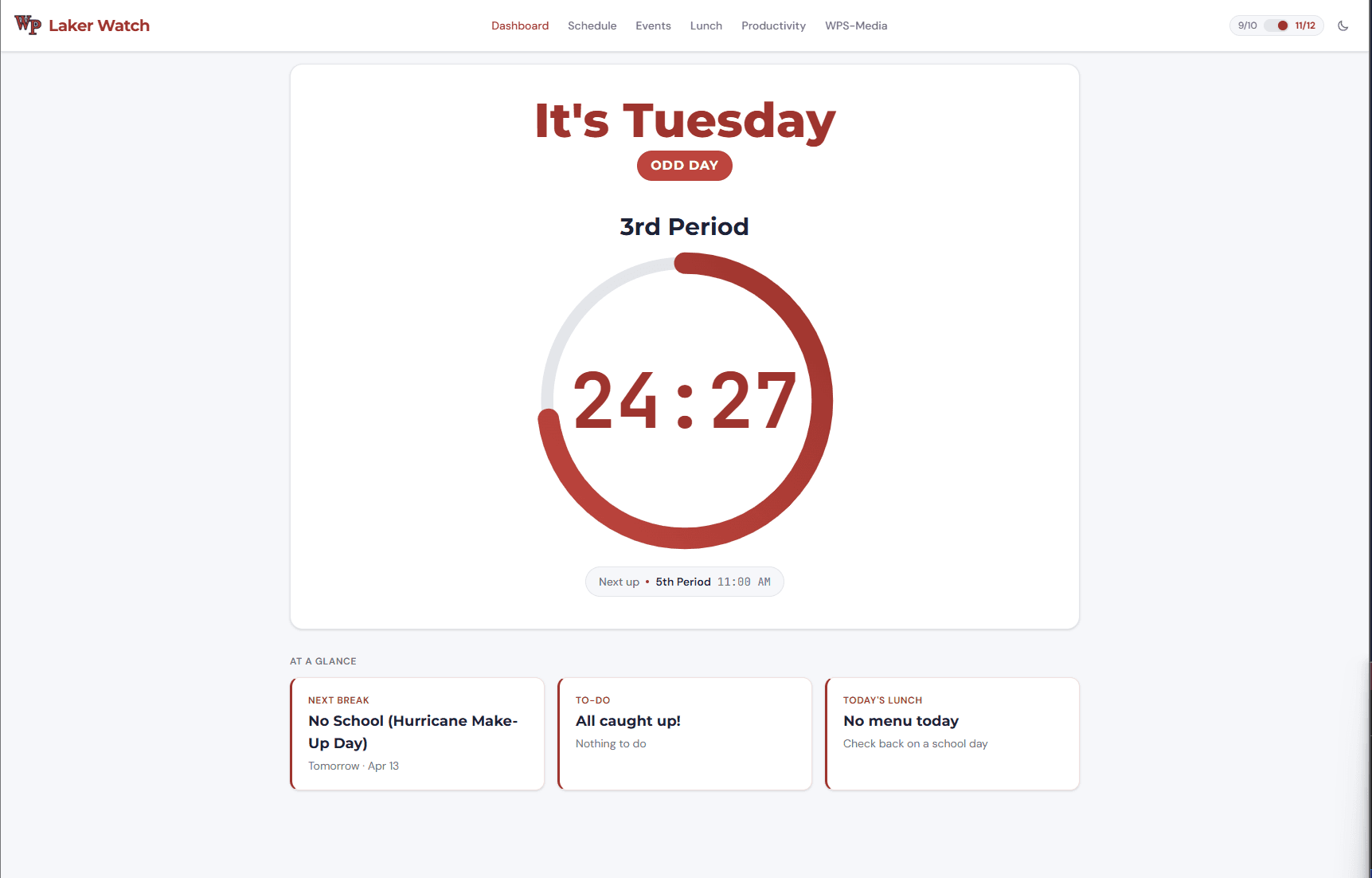
The countdown ring.
Every kid at WPS glances at this between classes. That's the feature.
"It's Friday / 3rd Period."
Knows the day. Knows the period. Handles weird schedules (half-days, pep rallies, "Monday is a Wednesday").
Your school's colors.
Eight zones, dark mode included. Not a palette — your actual logo-matched brand.
how it works
Four screens. No code. No catch.
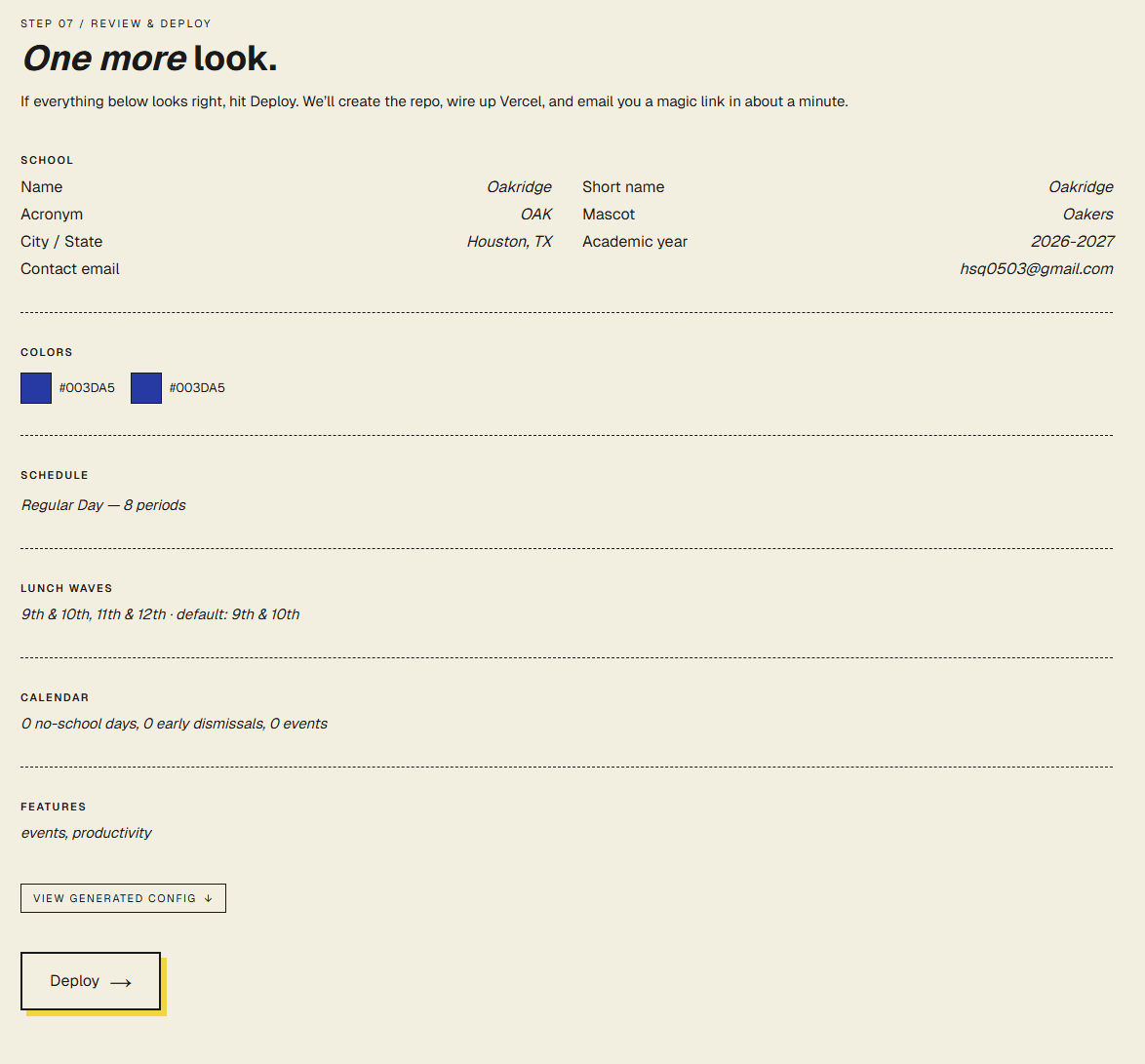
A wizard asks you questions about your school. When you finish, it spins up a GitHub repo, builds a website, pushes it to Vercel, and texts you the URL.
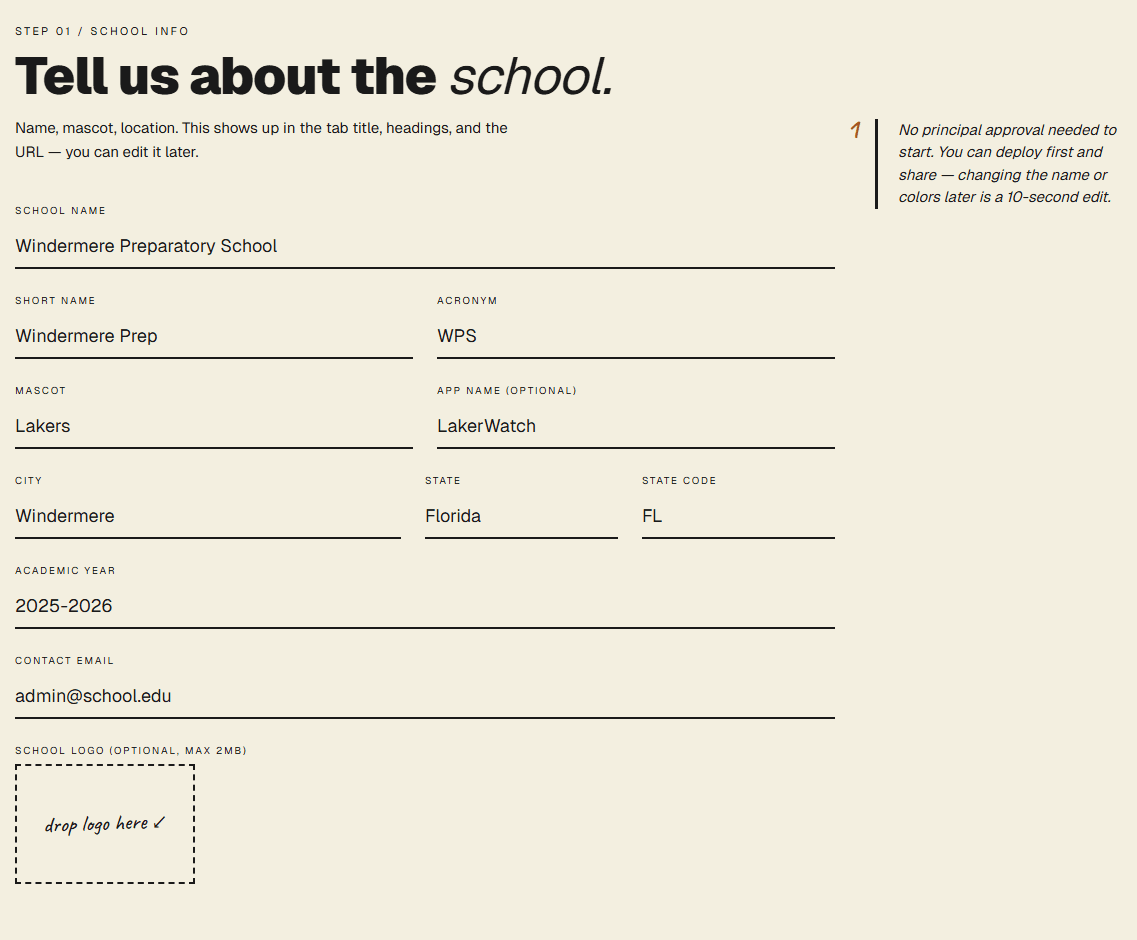
Name your school.
Mascot, city, academic year. The basics. Optional: drag in a logo.
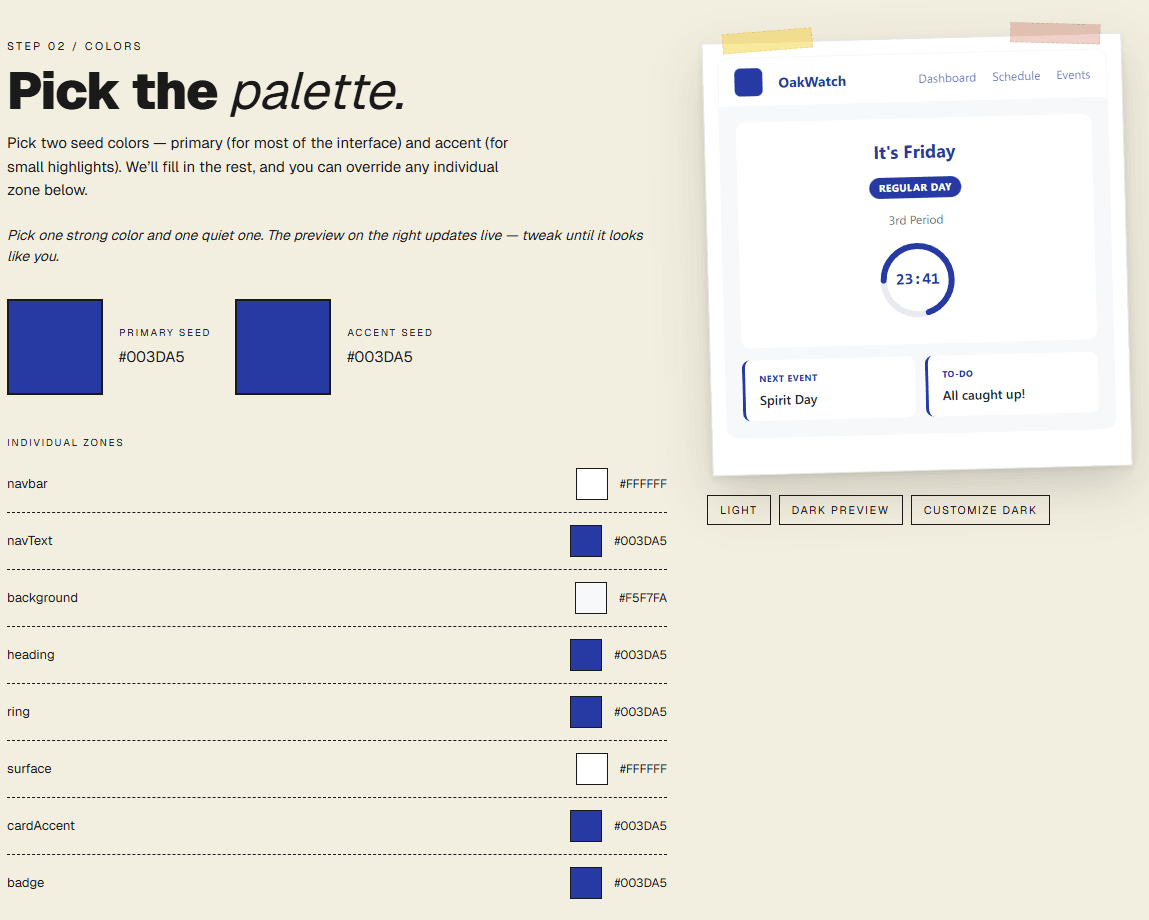
Pick your palette.
Two seed colors → eight zones. Click any zone on the live mockup to fine-tune. Dark mode auto-generates.
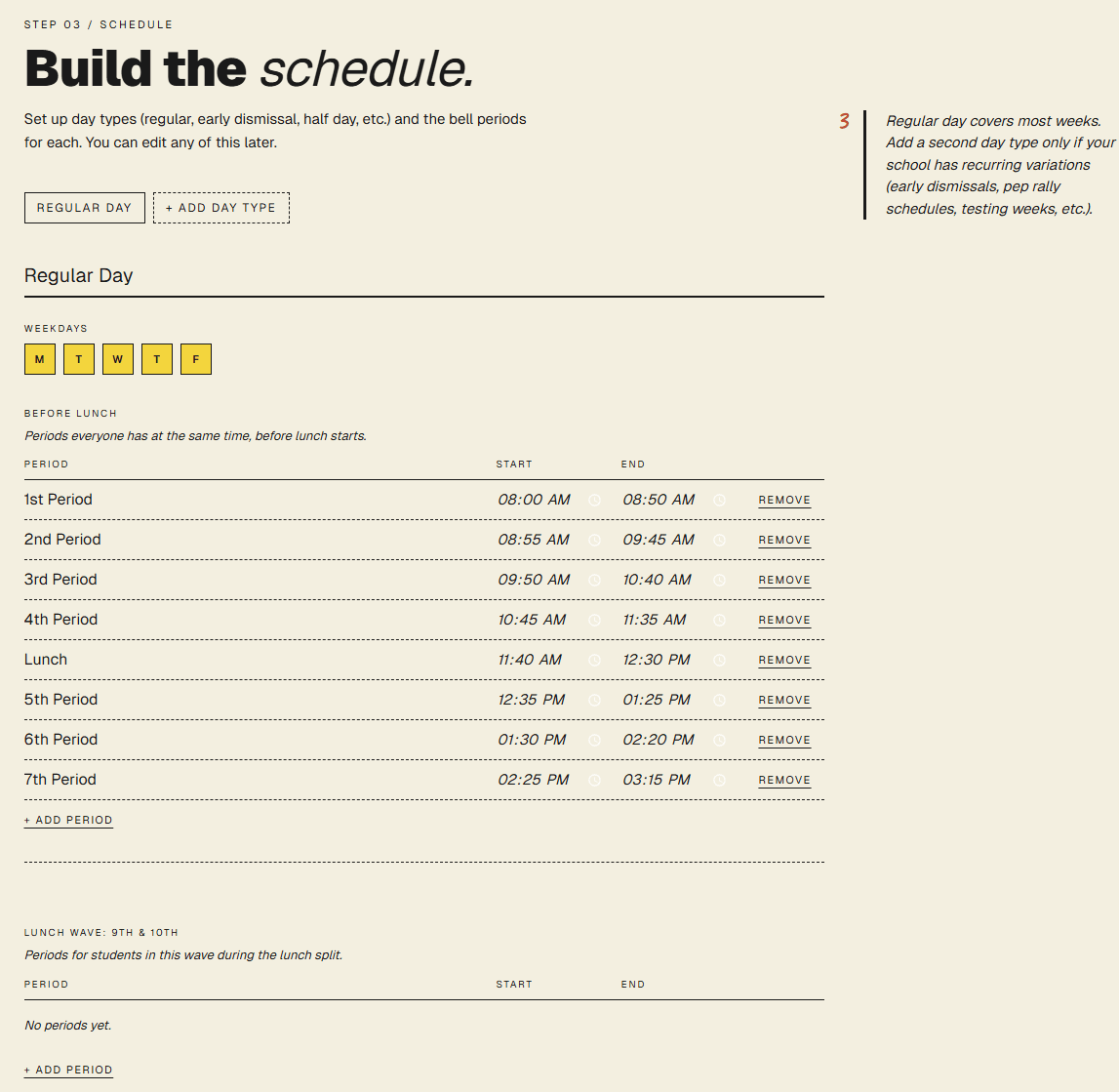
Add your schedule.
Regular days, block days, rotating days. Lunch waves handled. Friday half-day before finals? Yep.
Deploy.
We send you a live URL and an email link to edit later. Done.
Every school has one or two kids who build things.This is how you become one of them.— the manifesto, basically
questions you're about to ask
Answered. Next.
- 01
Is this actually free?
Yes.Hosting is free (Vercel's generous free tier). A custom domain like yourschool.com is optional. Everything else is free forever.
- 02
Do I need my principal's approval?
No. You get a real URL like yourschool.vercel.app. Share it with friends. Show your principal once it's already working and they love it.
- 03
My school has weird lunch waves and rotating days.
Rotating days, block schedules, lunch waves, per-wave bell overrides, after-school periods — all handled. If it's weirder than that, email me, I'll add it.
- 04
Can I change things later?
An email link lets you edit anything — events, colors, the whole schedule. Takes effect on redeploy (about 30 seconds).
- 05
Someone at my school already tried this.
They used a worse option. Build yours anyway — whichever one gets used wins.
You're still reading.
Go build it. Five minutes. No signup. Live when you're done.
Start Yours→